CREATE YOUR E-REGISTRATION ACCOUNT
- Go to https://onlineservices.dmw.gov.ph/OnlineServices
- On the “e-Registration” panel, click “Let’s Go!”
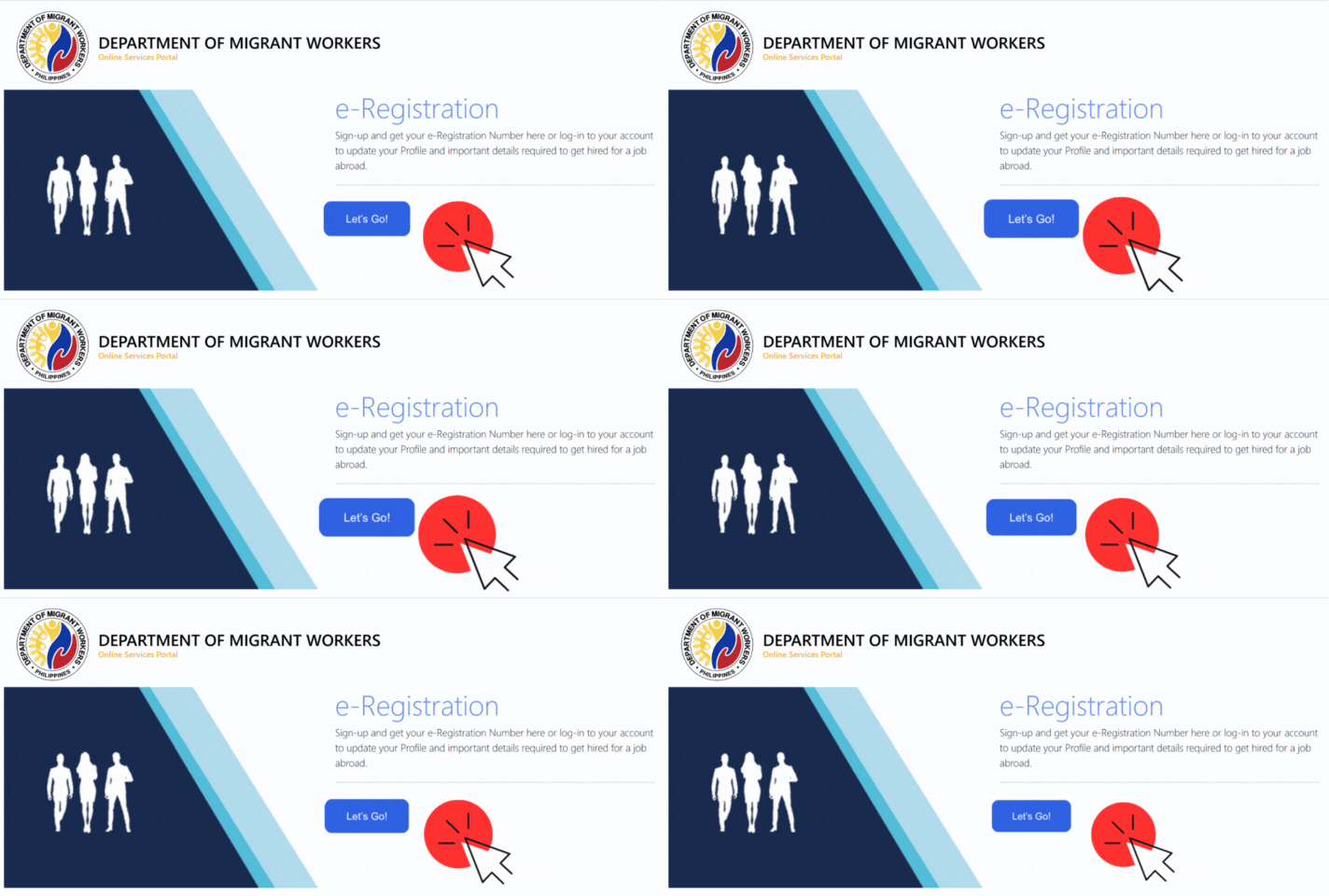
- Then click “Register”.
- On “Terms of Use and Privacy Statement” click “Accept the terms of Use”.
- Kindly read the “PAALALA” section before filling out your registration.
- Fill out the registration form. Then submit by clicking “Register”.
- Please use the temporary password that was sent to your email address.
- Repeat steps 1 and 2. Then on Login, enter your registered email address.
- Click “Next”. Enter your Temporary Password and Click “Login”.
- You will be asked to enter a new password. Enter and confirm your new password.
How to Print OEC Exemption (Same Employer):
- Login to your E-registration account. (https://onlineservices.dmw.gov.ph//OnlineServices)
Click LET’S GO then LOGIN.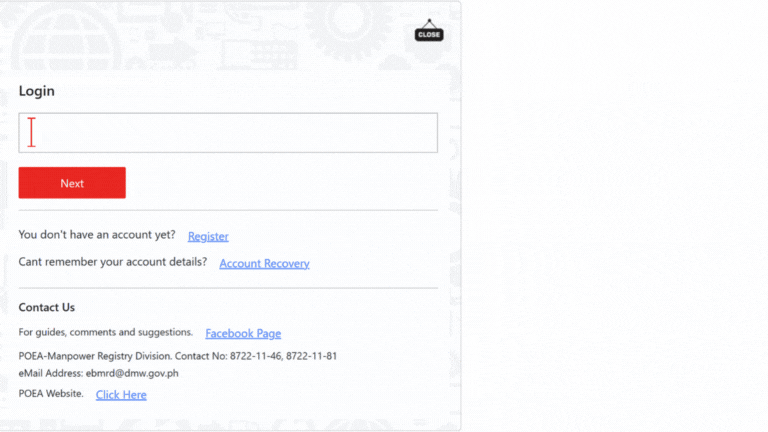
- Update passport details and working visa under “My Profile – IDENTIFICATION”. Click update/Save when you’re done.
- Go to “My links” and click “Balik Manggagawa”
- You will also be asked for a flight schedule. (Input your flight going back to Singapore.)
- Click next.
- You will be asked if you are returning to the same Employer and the same Position.
- Click “YES” to get an OEC EXEMPTION. (For SAME EMPLOYER)
- Hit the “PRINT OEC” button to download it. Take a screenshot of it or you may also print it out.
_________________________________________________________________________
Was this article helpful?
That’s Great!
Thank you for your feedback
Sorry! We couldn't be helpful
Thank you for your feedback
Feedback sent
We appreciate your effort and will try to fix the article